What breaks when you automate accounts receivable collections
Collections automation breaks on cash application, disputes and customers who already called in — before it ever drafts an email. Where to put the send gate.
A reminder email is queued to go out at nine this morning: invoice forty-five days overdue, polite but firm, second notice. Nine days ago the customer wired sixty percent of that invoice by bank transfer. No remittance advice came with it, so the payment is sitting in a suspense account, unmatched to anything. The open-invoice list the reminder pulled from still shows the full balance. The email is about to go out asking for money that is mostly already in the bank.
This is the case that breaks most collections automation, and a better email rarely fixes it. The drafting is the easy part; most tools write a reasonable reminder. What fails is earlier in the chain: whether the system knows what a customer actually owes before it decides to ask for the rest.
Match the cash before you chase the balance
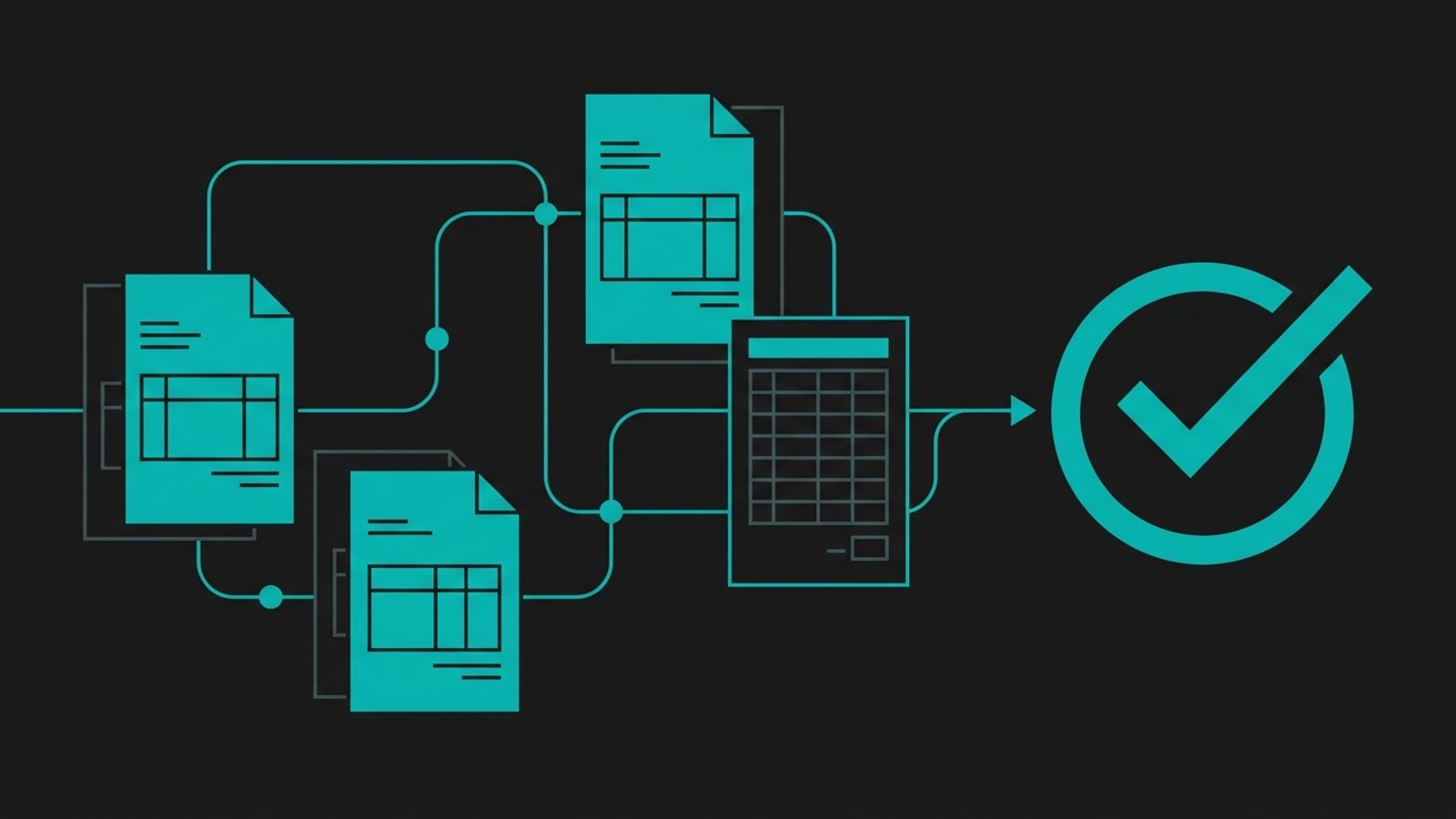
Chasing logic has to run off the net position, not the invoice ledger. For most small finance teams, three situations come up every week, not once a quarter: a payment that doesn't match any invoice amount exactly, a single payment covering two or three invoices, and a payment that arrives with no reference number at all. If the current answer to any of those is “someone sorts it out later,” the chase sequence needs to wait for that sort, not run alongside it.
This is also where automation earns back the most time, because matching payments is repetitive, rule-governed work: amount, date, customer and a short list of likely invoices to check against. Let the AI propose the match and hold anything it can't match with confidence for a person to clear before the day's reminders go out. Chasing a balance that is already mostly paid is the fastest way to spend a customer's patience with the whole system.
A disputed invoice is not a slow payer
An invoice can sit open for reasons that have nothing to do with a customer being slow: a delivery came up short, the price doesn't match the purchase order, or the invoice went to the wrong contact. Running that invoice through the same escalating reminder cadence as an ordinary late payment turns a resolvable disagreement into a collections fight.
The fix is to treat a customer's reply as a stop signal, not just a log entry. If a reply mentions a quantity, a price, a wrong PO number or the word dispute itself, the sequence should pause and route to a person before the next scheduled email goes out, not after. AI is well suited to catching that signal; it can read a reply and flag the relevant words and tone reliably. It is poorly suited to deciding whether the dispute is valid, which needs the order history and the relationship context a person already holds.
Where the send gate actually belongs
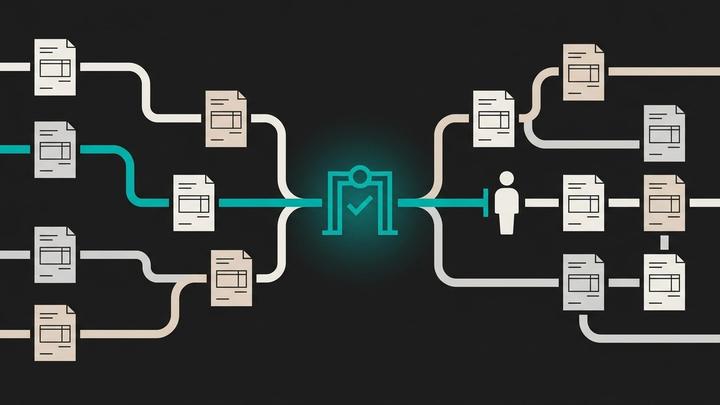
Once cash is matched and disputes are flagged, what's left is mostly a judgement about which emails are safe to send without a person reading them first. For most small teams the honest answer is fewer cases than they expect at the start, and more than they expect once the system has a track record.
| Situation | Can the AI send it alone | Why |
|---|---|---|
| First reminder, undisputed invoice, no prior contact | Yes, once the cash match is confirmed | Low stakes, easily reversed, no relationship history to weigh |
| Second or third reminder on the same invoice | Yes, if earlier reminders got no reply and no dispute flag | An escalating tone on a clean account carries little risk |
| Any invoice with a dispute flag or a recent reply | No | Needs judgement about what was actually agreed |
| Balance above the threshold your team sets | No | Cash-flow and relationship stakes are higher |
| Final notice before escalation or a collections agency | No | Changes the customer relationship, not just the tone |
What the approver's screen should show
When a reminder does need a person, the approval screen should answer three questions without a second tab open: what the invoice history looks like, what payments have already come in against this customer, and what the customer's last message actually said. A plain yes or no without that context just adds a click. Most of the value in the gate is the person seeing the full picture in one place, not the click itself.
Give the approver the same three options that work for the rest of finance: approve, hold, or edit and send. The edits matter most to track, because they're the clearest evidence of where the AI's drafting needs correcting — a wrong tone, a missing note about a part-payment, a reference to a dispute that was actually resolved last week.
Start with the list the AI can own outright
The lowest-risk way in is not a sweeping rollout; it is one list. First reminders on invoices that are both confirmed clean against the cash ledger and free of any dispute flag. Let the AI own that list completely, measure what happens for a full billing cycle, and only then move a second list, such as second reminders, onto the same footing.
We've written before about where the human approval step belongs in an AI finance workflow. The same rule applies here: gate the action of sending, not the work of reading the ledger.
What to watch once it's running
Track the share of invoices on the matched-and-clean list that go out without a hold, how often the disputed-reply catch actually fires in a week, and how often the approver edits a drafted reminder before sending it. A falling edit rate on a given list is the signal to let the AI own more of it. A reply catch that never fires either means your customers never raise disputes by email — worth checking — or that the keyword list needs to be wider.
How we can help
At Winnit we rebuild finance operations, including collections, so the AI matches cash, drafts the chase and flags disputes inside the systems you already run, with a named person approving anything above the line your team sets. We map the workflow as it runs today, exceptions included, before we automate any of it, and at handover you keep the code, the documentation and the training. If a collections tool already sits on your desk but still gets switched off in the busy week, the mismatch between the ledger and the chase sequence is usually why.
Frequently asked questions
Why does collections automation break even when the AI writes a good email?
Because the break is usually upstream of the email, in cash matching and dispute detection. A well-written reminder sent against the wrong balance, or to a customer who already raised a dispute, causes more damage than a plain one sent correctly.
Should every reminder email need a person's approval?
No. A narrow set of cases, such as first reminders on invoices that are confirmed clean against the cash ledger, can send on their own once the matching is reliable. Disputes, recent replies and large balances still need a person.
How do we handle partial payments and unapplied cash in collections?
Treat them as a normal weekly occurrence, not an exception. Match payments to invoices before the chase sequence runs, and hold anything the system can't match with confidence for a person to clear first.
What counts as a dispute signal in a customer's reply?
A mention of quantity, price, a wrong purchase order number, or the word dispute itself. Any of these should pause the reminder sequence and route the invoice to a person rather than letting the next scheduled email go out.
Where should a small finance team start when automating collections for the first time?
With first reminders on invoices that are both confirmed clean against the cash ledger and free of dispute flags. Run that one list for a full billing cycle before moving a second list, such as second reminders, onto the same footing.