Catching duplicate vendor invoices before you pay them
Exact-match duplicate checks miss reformatted numbers, double channels and split vendor records. Here is what to compare, how loose to set it and who reviews the flags.
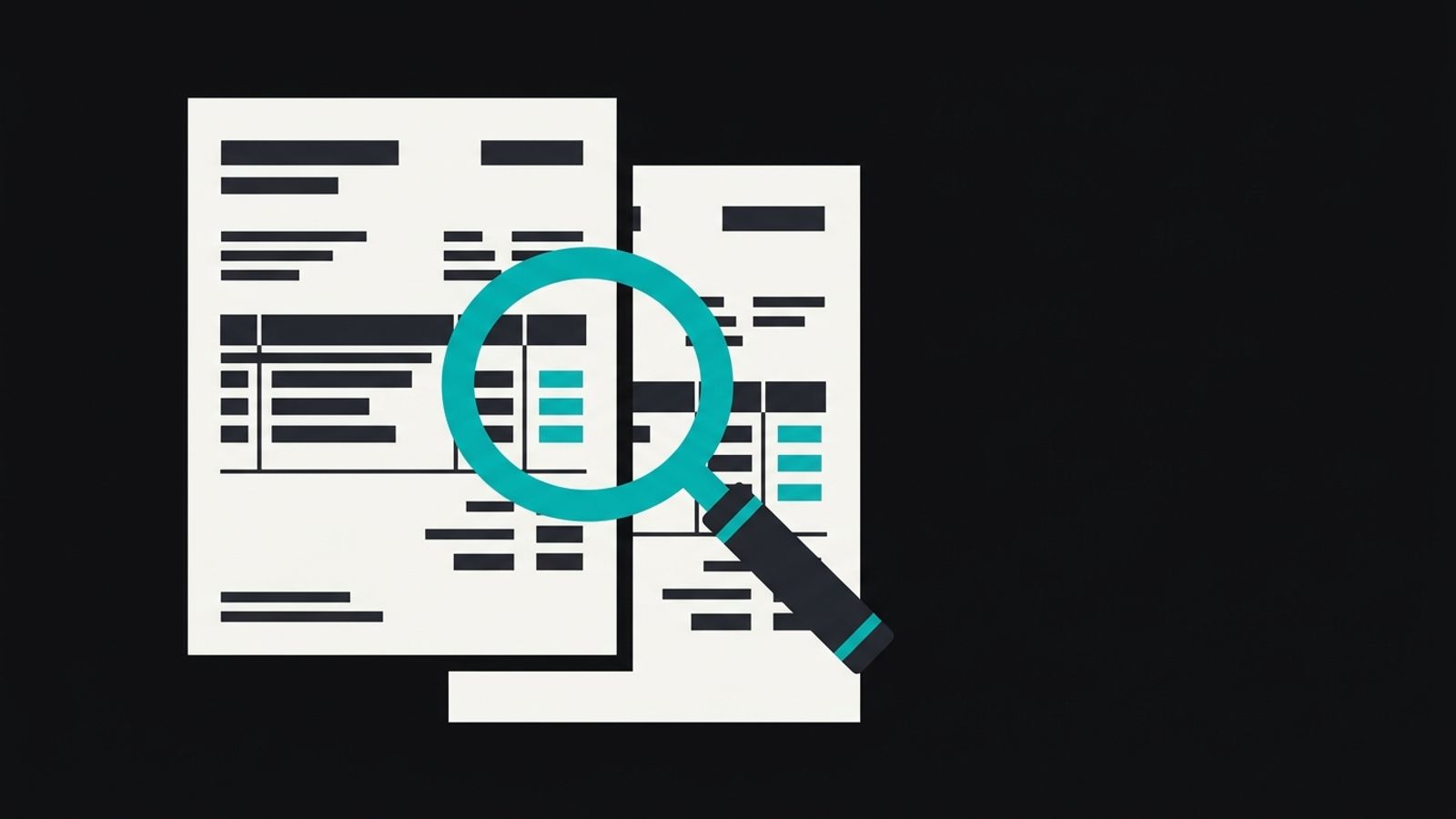
The payment run is Tuesday morning. Two invoices from the same supplier sit in the approval queue, for the same amount. One came in as an email attachment that the project owner forwarded to accounts payable. The other was uploaded by the supplier to your portal. One is numbered INV-0412, the other just 412. Two different people have already approved them, because each looked like a normal invoice.
An exact-match check on invoice number would let both through. This post is about the checks that wouldn't, how loose to set them, and who should look at what they flag before a payment goes out.
Why exact-match checks miss most duplicates
The built-in duplicate warning in most accounting tools compares the vendor and the invoice number. That catches the copy-paste case and not much else. The duplicates that actually get paid arrive in other shapes:
- the same invoice reformatted, with a prefix added, leading zeros dropped or a space inserted;
- the same invoice arriving through two channels, such as an email and a supplier portal;
- a corrected invoice sent again after a query, with the old one never cancelled;
- the same supplier entered twice in your vendor list, so the system sees two unrelated payees.
The last one matters most, so it comes first.
Clean the vendor list before you turn anything on
If one supplier exists under two names, say a trading name and a registered name, every comparison between their invoices is a comparison between two different vendors. Detection quietly does nothing. Fixing this is dull work and it is the step that decides whether the rest works.
Export the vendor list and normalise the names: case, punctuation, legal suffixes. Group the near-matches, then decide which record survives. Check bank details at the same time, because two records that share an account number are almost certainly the same payee. Merge them, and keep a note of what you merged so a finance lead can undo it.
What to compare, and how loosely
A useful check scores several signals together instead of demanding one exact match. No single field is reliable on its own, which the table below shows.
| Signal | Why it helps | How it misleads |
|---|---|---|
| Vendor (after cleanup) | Narrows the comparison to one payee | Useless while the vendor list has duplicates |
| Amount | Duplicates usually repeat it exactly | Recurring monthly fees repeat it legitimately |
| Invoice number, normalised | Catches reformatted copies once prefixes, zeros and spaces are stripped | A supplier who reuses numbers across years |
| Invoice date and service period | Separates this month's fee from last month's | Missing or wrong dates on scanned invoices |
| Purchase order or line items | Strong evidence of the same underlying purchase | Many suppliers don't quote a purchase order |
| Bank details on the invoice | Flags a changed or repeated account | Not printed on every invoice |
Treat a match on vendor, amount and normalised number as strong. A match on vendor and amount alone is a prompt to look, not a verdict.
Setting the threshold is a policy decision
Too tight and real duplicates pass. Too loose and the queue fills with pairs nobody believes in, and within a few weeks people stop opening it. Neither is a model setting you can leave at its default.
Start by deciding what each mistake costs your business. A missed duplicate on a large invoice, measured against your own approval limit, deserves a wider net than one on a small recurring charge. Run the first weeks as a trial: log every flag and what a person decided about it, then move the threshold based on that record, not on a hunch.
Flagged pairs go to a named person before payment
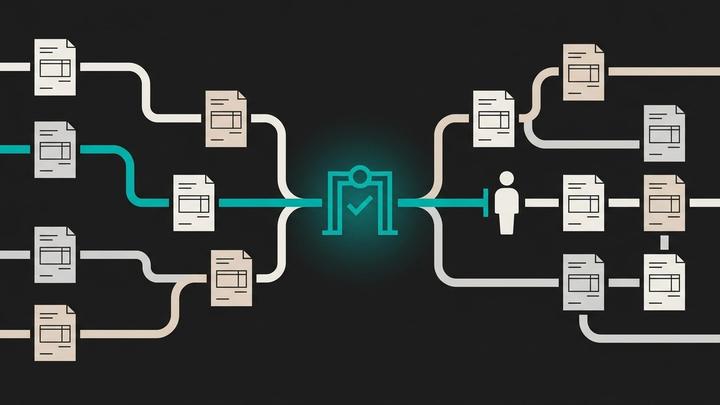
The analysis can run unattended. The payment hold is the action that needs a gate. When the check flags a pair, it should place the later invoice on hold and send both to one named person, with what they need to decide quickly:
- both documents side by side;
- the signals that matched, in plain words;
- how each invoice arrived and who approved it;
- three choices: not a duplicate, duplicate so cancel one, or ask the supplier.
This is the same split we describe in our post on which accounts payable exceptions AI can clear: let the system do the comparing, and keep a person on anything that moves money.
Some duplicates are legitimate
A flat monthly fee will match last month's invoice on vendor and amount every time. A split delivery produces two invoices against one purchase order. A supplier may reissue an invoice after a correction and cancel the first with a credit note. If the only answers the reviewer has are duplicate or ignore, they will start clicking ignore.
Give them a dismiss reason, such as recurring charge or split delivery, and record it. A repeat monthly fee can then be recognised by its service period and stop being flagged, which keeps the queue short enough to read.
Run it backwards once
When the check is live, run the same comparison over the bills you have already paid for the last accounting period. Anything it finds is a conversation with the supplier about a credit or a refund. It is also the quickest test of whether your thresholds are sensible: if it flags nothing at all over a full period, ask whether the vendor list cleanup really worked.
Where this fits
Winnit builds checks like this as part of rebuilding a finance function: the vendor cleanup, the comparison, the review queue and the log, running inside your own systems with a person approving every held payment. If your payment run still relies on someone spotting a repeat by eye, a conversation at winnit.ai starts with how your invoices arrive and which duplicates you have already paid.
Frequently asked questions
Can the accounting tool's built-in duplicate warning do this?
It usually checks vendor and invoice number only. That catches exact repeats but not reformatted numbers, invoices arriving by two channels or the same supplier entered twice.
Does AI do the duplicate matching better than rules?
Rules are easier to explain and audit. A scoring step helps with near-matches, such as reformatted numbers and inconsistent vendor names. Whichever you use, a person should decide on anything it holds.
What should happen to a flagged invoice while it is reviewed?
It should be held, not paid and not deleted, with both documents and the matching signals attached for a named reviewer.
How do we stop recurring invoices triggering flags every month?
Compare the service period or invoice date as well as the amount, and give reviewers a dismiss reason such as recurring charge so the decision is recorded.
Is it worth checking invoices we have already paid?
Yes, once, for the last accounting period. It tests your thresholds, and any real duplicate it finds is a recovery conversation with the supplier.