Which accounts payable exceptions AI can clear on its own, and which never should
AI can match most AP invoices correctly. The real question is which exceptions it should clear on its own, which need a person, and which should never auto-approve at all.
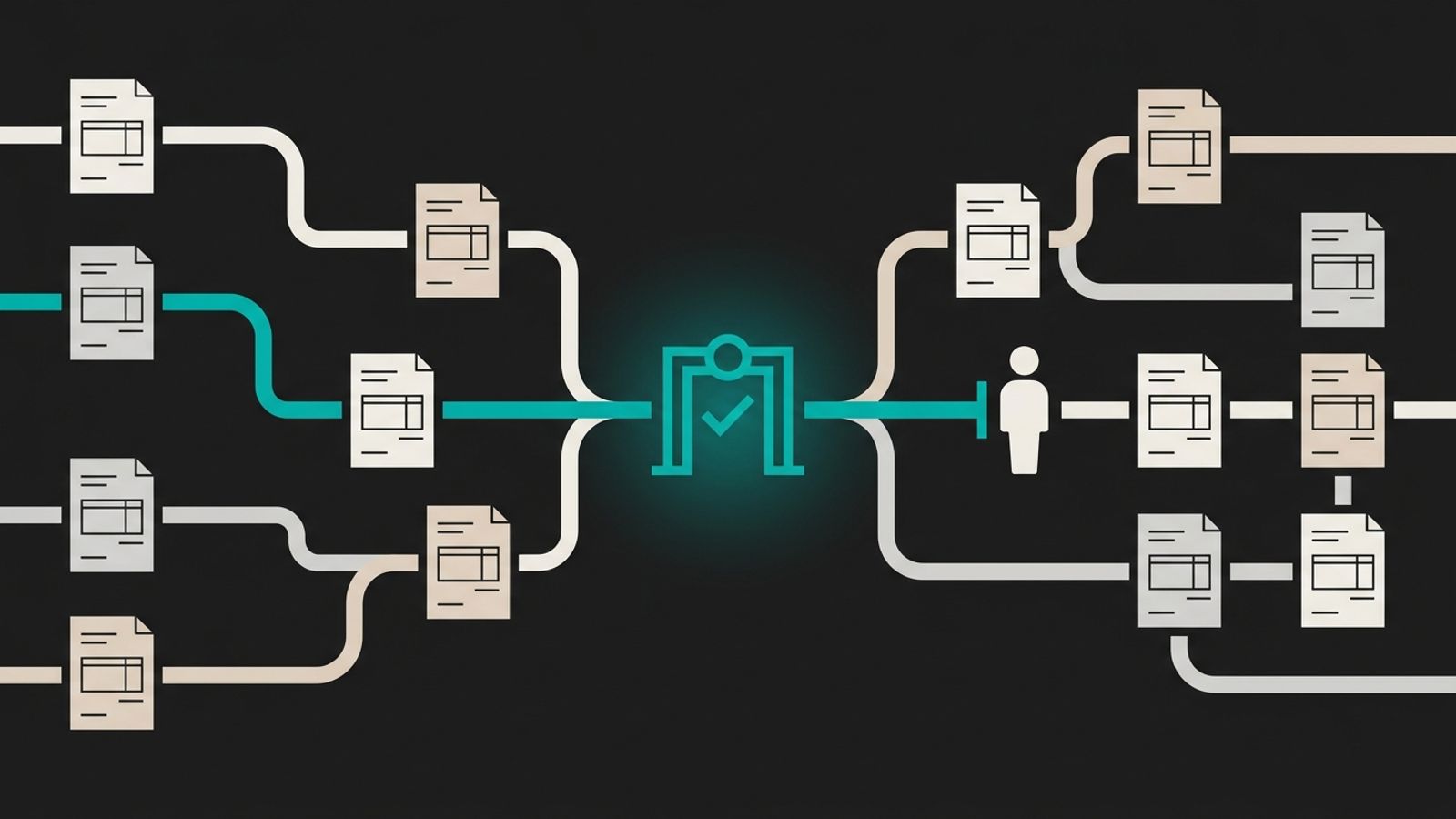
An invoice comes in for slightly more than the purchase order: a last-minute freight charge, a price that moved between the quote and the delivery. The extraction tool reads it perfectly — vendor, amount, line items, due date — and then has nowhere good to put it. It lands in the same exceptions queue as an invoice with no PO at all, a delivery that arrived short, and an email from a different vendor saying their bank account changed. One person works through all of it in whatever order the queue happens to show it.
That queue is where most small-team AP automation actually lives or dies. The reading and matching work is mature; plenty of tools do it well. What's missing in most small finance teams is an answer to a narrower question: which of those mismatches can the AI resolve on its own, which need a person, and which should never clear without one, regardless of how small the gap looks.
Not every exception carries the same risk
Lump every mismatch into one queue and a team either reviews all of it, which defeats the point of automating the matching, or starts approving on reflex, which is worse. The exceptions below show up in almost any AP queue running at volume, and they carry very different consequences if the tool gets them wrong.
| Exception | What usually caused it | What a small team should do |
|---|---|---|
| Amount slightly over the PO | Freight, tax or a small price change added after the PO was cut | Let AI auto-clear it within a tolerance you set for that vendor |
| Partial delivery, invoice for the full amount | A backorder or a split shipment | Send to a person to confirm what actually arrived before paying |
| No PO on file | The purchase skipped the process, or it was a one-off | Send to a person to confirm the purchase was authorised at all |
| Vendor bank details changed | Could be legitimate, could be fraud | Always send to a person, with a call-back to a number you already hold for that vendor |
Tolerances are a policy decision, not a model setting
The usual advice is to let the AI learn acceptable variance from past approvals. That's backwards for a small team: you don't yet have enough history for the tool to learn from, and the tolerance is really a decision about risk, not a pattern to discover. Set a starting tolerance per vendor or category instead — tighter for a new supplier, looser for one you've paid for years without an issue — and let the AI auto-clear anything inside it. Review the tolerance itself every quarter against what actually came through, not the individual invoices that cleared it.
Some exceptions should never clear on their own
A few categories should stay outside the tolerance system entirely, whatever the gap looks like: a brand-new vendor's first invoice, any change to bank or payment details, an invoice with no PO reference at all, and anything that would push total spend with a vendor over a threshold your team sets. None of these is really about the size of the mismatch. They're about the cost of being wrong once, which is why a track record of clean approvals doesn't earn them an exemption the way a routine price variance does.
We've written before about this same split for the actions that move money elsewhere in finance: gate the action, not the analysis. The categories above are that rule applied to payables specifically.
PO discipline is the gap no AI tool closes
Most of what looks like an AI accuracy problem in AP is actually a process gap upstream of it: purchases made without a PO, receiving data that never gets logged, a vendor who emails a revised quote that nobody updates in the system. An AI tool can flag that an invoice has no PO to match against. It can't invent the PO, and it can't make someone log what actually arrived on the loading dock. If exceptions aren't falling as the tool settles in, check whether the purchasing and receiving process upstream is the real problem before blaming the matching.
What the approver's screen needs to show
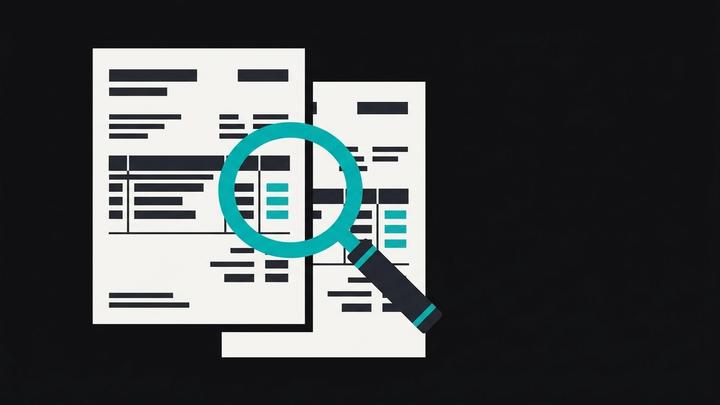
An exception queue that just says approve or reject forces the approver to go find the PO, the goods receipt and the vendor's history in other tabs before they can decide anything. The screen should carry all three: the invoice image, the PO and receipt it's being checked against, and exactly what didn't match, highlighted rather than buried in a wall of text. For a bank-detail change, it should also show when the change was requested and whether it came through the same channel the vendor normally uses.
It's the same approver-screen pattern we described for accounts receivable collections: the evidence in one place, not a plain yes-or-no with a second tab open.
Move categories to review-by-exception once they earn it
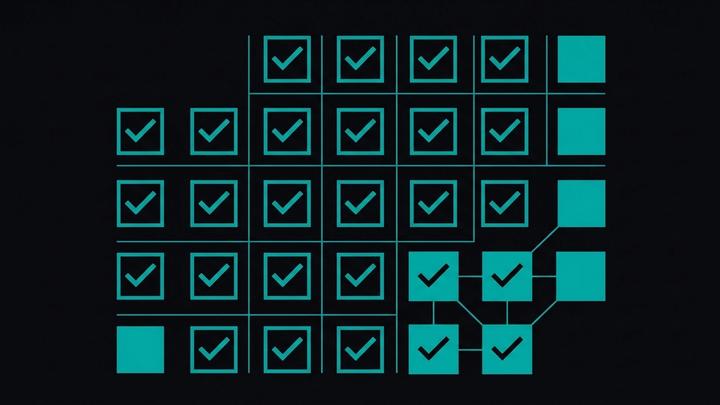
Once a tolerance has run clean for a few months — nothing the approver overturns, no vendor dispute that traces back to it — move that category from every-invoice approval to a periodic sample review instead. Track how often the approver edits or rejects what the AI proposed for each category: a falling rate is your evidence to loosen the gate, a flat or rising one tells you the tolerance is wrong, not that the AI needs retraining. The categories that never auto-clear stay on every-invoice review permanently; that's a deliberate choice, not a stage a team grows out of.
How we can help
At Winnit we rebuild accounts payable the same way we rebuild collections and close: the AI reads, matches and flags inside the systems you already run, and a named person on your team approves anything that moves money or touches vendor details. We set the tolerances with you rather than importing someone else's defaults, and at handover you keep the code, the documentation and the training. If your AP tool still routes every invoice through one undifferentiated queue, that's usually a policy gap, not a tooling one.
FAQ
Can AI accounts payable automation approve invoices without any human involvement?
It can clear invoices that fall inside tolerances your team sets for a given vendor or category, but a short list — a new vendor's first invoice, any change to bank details, an invoice with no PO on file — should always go to a person, regardless of how small the mismatch looks.
How do you set a tolerance for invoice exceptions?
Set it as a policy decision per vendor or category rather than letting the AI infer it from past approvals: tighter for a new supplier, looser for one you've paid reliably for years. Review the tolerance itself on a schedule, based on what actually came through it, not by re-checking each invoice that cleared.
Why does AP automation still have so many exceptions?
Most exceptions trace back to a process gap upstream of the matching: purchases made without a PO, receiving data that never gets logged, a revised quote nobody updated in the system. AI can flag the mismatch; it can't invent the missing PO or make someone record what arrived.
What should an AP approver's screen show?
The invoice image, the purchase order and goods receipt it's being checked against, and exactly what didn't match, rather than requiring the approver to open other tabs to find that context.
When should a category move from approve-each to review-by-exception?
Once it has run clean for a few months with no overturned approvals or vendor disputes. Track how often the approver edits or rejects what the AI proposed for that category: a falling rate supports loosening the gate, a flat or rising one means the tolerance needs adjusting, not more training.
Does this replace a company's AP team or controller?
No. It automates the reading, matching and flagging; a named person on the team still approves anything that moves money or changes vendor details, and sets the policy for where the gates sit.