How to design the review queue behind your AI support triage
Confidence thresholds decide which tickets escalate. This is what happens once they do: the categories, the trigger rules and the reviewer's screen that make the queue actually work.
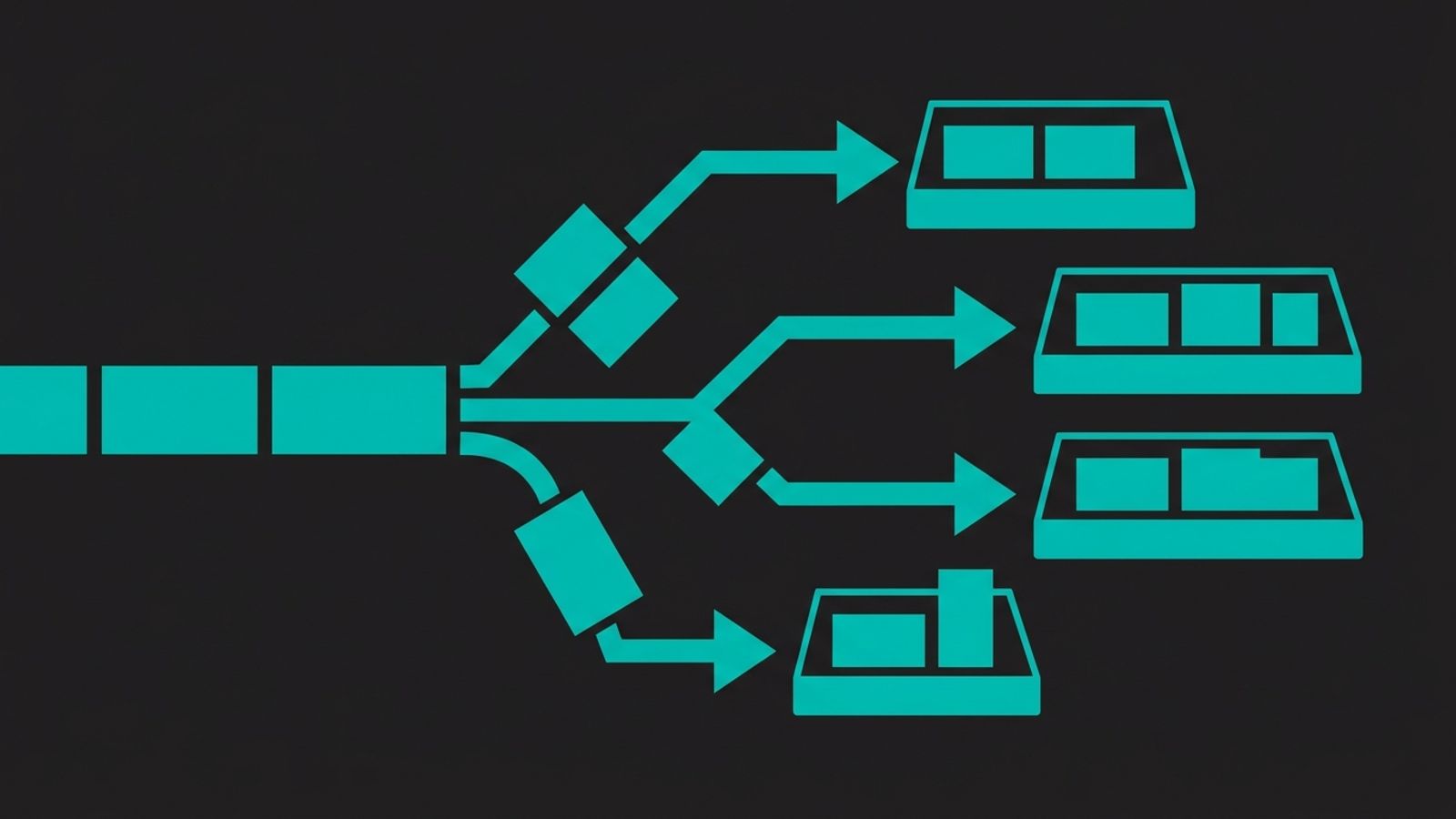
A ticket lands in your review queue. The subject line says "still broken, please help" and the body is three sentences of frustration — no order number, no screenshot, no history attached. Whoever picks it up now has to do the detective work your triage tool skipped: find the thread, read what the customer already said, work out why this one escalated in the first place.
That's not a model problem. It's a queue-design problem. A confidence threshold decides which tickets cross into the review queue; it says nothing about what the reviewer sees once they get there, and most teams build the threshold long before they build what sits behind it.
The tickets that reach a person are the hard ones
As AI triage takes over more of the predictable volume — password resets, order status, simple refund requests — the tickets left for a person stop being a random sample of your support queue. They're the ones the model wasn't confident about, the ones a customer explicitly asked to escalate, or the ones that touch money, an account change or anything policy-adjacent. Vendors sometimes describe this as routing "the easy tickets" automatically and leaving everything else to a person, as if the remainder were an afterthought — in practice it's the opposite: that's where the hardest judgment calls concentrate.
If you're running AI triage on top of whatever helpdesk you already have, the fix isn't a smarter model. It's deciding, deliberately, what happens between "the AI thinks this needs a person" and "a person acts on it."
Audit before you automate
Before you write a single escalation rule, pull a few months of past tickets and sort them by what actually happened, not by what the subject line claims. A simple three-way split works for most teams: resolve with no review, draft for a person to approve before it sends, or route to a person end to end because it touches an account change, a refund past a size you set, or anything legal, security or policy-adjacent. Three months is usually enough volume to see real category patterns without the audit becoming a project of its own.
Do this before touching the triage tool's settings. Teams that skip the audit tend to automate whichever categories were easiest to configure rather than the ones with the most volume, then end up with a review queue full of password resets while a genuine dispute sits two tickets down.
Write your escalation triggers as rules, not vibes
Once you know your categories, write the escalation logic as plain sentences: if [trigger], escalate, unless [exception]. The triggers worth hard-coding regardless of category:
- the customer explicitly asks for a person
- confidence for that category falls below the bar you've set for it (calibrate that bar from your own tickets, not a vendor's table)
- the conversation bounces between automated replies without resolving
- the account is flagged high-value, or the request touches a refund, a bank-detail change or anything hard to reverse
- the customer's language or tone suggests they're already frustrated
Each of those is a different kind of risk, so they shouldn't share one confidence number. A billing dispute and a "where's my order" question both scoring the same mid-range confidence aren't equally safe to auto-handle — one should escalate at almost any score, the other might clear at a much lower bar.
| Category | Default handling | Always escalate when |
|---|---|---|
| Order status or tracking | AI resolves | Reply doesn't match the order history |
| Password reset or account access | AI resolves | Repeated attempts or an unusual pattern |
| Standard refund, under your set limit | AI drafts, sends after a quick check | Customer disputes the amount or the reason |
| Billing dispute | Person, end to end | — |
| Bank or payment detail change | Person, end to end | — |
| Negative sentiment or repeat contact | AI drafts | Escalate regardless of confidence score |
What the reviewer's screen needs to show
A ticket that reaches a person should arrive with everything the AI already worked out, not just the raw message: the full conversation history, the category it was assigned and the confidence score behind that, which trigger caused the escalation, and any account context a person would otherwise have to go look up — order history, account tier, prior tickets.
Handing over a bare ticket means the reviewer redoes the triage step the AI was supposed to have already done, and the customer feels it: they repeat themselves to someone starting from zero. It's the same principle we've written about for AI finance workflows: the approval step belongs on the decision itself, not on redoing the work that led to it.
Close the loop
Every time a reviewer overrides the AI's classification, or escalates something it marked as safe to auto-resolve, that's a label worth capturing, not losing. Feed those corrections back into your category definitions and escalation rules on a fixed schedule — monthly is reasonable for most teams — rather than only when something visibly goes wrong. A category that gets routinely overridden is telling you the rule is wrong, not the reviewer.
Watch the review workload, not just containment
It's tempting to report one number: the share of tickets AI resolves without a person. That number alone hides the policy behind it. A queue tuned to look good on containment can just push the hard tickets onto a team that's already underwater, and a review net that's too porous can let something that needed a person straight through. Vendors are quick to publish their own containment percentage; none of them publish the reviewer queue depth that made it possible.
Track the queue's own health separately: how many tickets land there, how long they sit before anyone touches them, and how often a reviewer's action matches what the AI would have done anyway — a sign the trigger that sent it there is too wide.
None of this replaces picking a decent triage tool. It decides whether the tool's output actually helps the person who ends up doing the work. We build this operating layer — the category audit, the trigger rules, the reviewer's screen, the feedback loop — into a support stack a team already has, rather than asking them to switch tools; if that's the gap you're looking at, winnit.ai is where to start that conversation.
Frequently asked questions
How many ticket categories should a small team start with?
Most guidance points to your top five to ten categories by ticket volume rather than trying to cover every possible type up front. Add a new category once you see real volume in it, not in anticipation of an edge case.
Should every low-confidence ticket escalate?
Only within the category it belongs to. A low-confidence order-status question and a low-confidence billing dispute carry different risk, so they shouldn't share one cutoff — set the bar per category, and tie it to what you can see in your own ticket history.
What's the difference between this and setting a confidence threshold?
A threshold decides which tickets cross into the queue. Queue design decides what happens once they're there: the category rules, the context handed to the reviewer, and the loop that improves both over time.
How often should the escalation rules get reviewed?
Monthly is reasonable for most teams, and it should be triggered by what reviewers are actually overriding, not just a calendar reminder. A category with frequent overrides needs a rule change, not a note to the reviewer.
Does this require switching helpdesk or triage tools?
No. It's a layer of categories, rules and routing on top of whatever you already use — Zendesk, Intercom, or a shared inbox wired up with something like n8n.
What should stay a person's decision no matter how confident the model is?
Anything that moves money, changes bank or payment details, or touches a legal or security concern. Confidence scores measure how sure the model is about the category, not how safe the action is.